
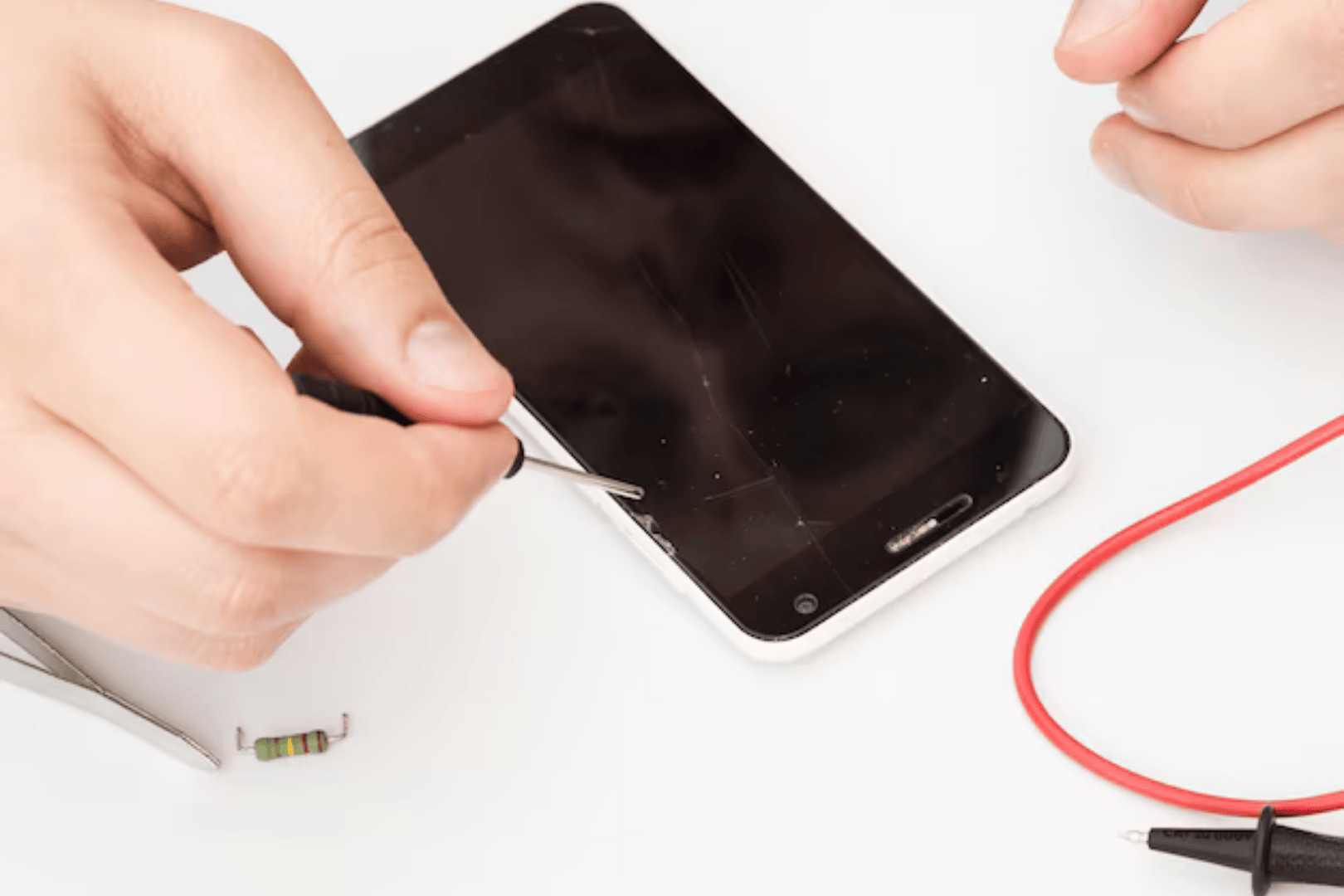
If you’ve noticed a persistent white dot on your iPhone screen, you’re not alone. This issue can be alarming, as it often disrupts the smooth user experience we expect from our devices. The appearance of a white dot on an iPhone can affect touch sensitivity, making it difficult to navigate apps or access important features.
Understanding the causes of this problem is essential for all iPhone users, as it can range from simple software glitches to more serious hardware failures. In this blog, we will delve into the common causes of a white dot on iPhone screens and provide effective solutions to help you address this frustrating issue.
Understanding the White Dot on iPhone Screens
The white dot on iPhone refers to a small, often unresponsive spot that appears on the screen, disrupting the visual and interactive experience. This dot can occur anywhere on the display but is most commonly found near the edges or in the centre, where it can significantly hinder touch functionality.
Users often experience symptoms such as:
- Touch response issues (tapping the dot does not register)
- Flickering or distortion in the affected area
Understanding these symptoms helps identify whether it’s a temporary glitch or a more serious hardware issue.
Common Causes of the White Dot on iPhone Screens
1. Hardware Issues
- Damage from Drops or Impacts: Physical damage can compromise internal screen components, causing white dots.
- Manufacturing Defects: Poor assembly or low-quality components can lead to unresponsive spots on the screen.
2. Software Issues
- Glitches or Bugs in iOS: Updates or installations may disrupt screen functionality.
- Problematic Apps: Some apps may not be optimized for your device, causing display issues.
- Extreme Temperatures: High heat or cold can affect screen performance.
- Exposure to Moisture or Humidity: Moisture can damage internal components, affecting touch sensitivity.
- Restart Your iPhone: Refresh system processes to resolve minor software glitches.
- Check for Software Updates: Ensure iOS is up to date to fix bugs.
- Force Close Problematic Apps: Swipe up or double-click the Home button to close apps causing issues.
- Clean the Screen Properly: Use a microfiber cloth to remove dirt or residue. or Physical Damage: Check for cracks or dents; contact Apple if needed.
- Visit Apple or Authorized Repair Center: Professional diagnosis for persistent issues.
- Reset Settings or Restore Device: Factory reset can eliminate software-related causes.
- Uninstall and Reinstall Problematic Apps: Resolves conflicts causing the white dot.
- Worsening Symptoms: The white dot grows, spreads, or causes additional touch issues.
- Frequent Crashes or Glitches: Persistent software problems may indicate deeper issues.
- Physical Damage: Cracks, dents, or visible damage need expert evaluation.
- Handle with Care: Avoid drops and impacts.
- Use Protective Cases: Shock-absorbing cases prevent damage.
- Apply Screen Protectors: Tempered glass or high-quality plastic protects the display.
- Keep Software Up to Date: Enable automatic updates for iOS fixes.
- Manage App Downloads: Install apps from trusted sources and remove poorly performing apps.
3. Environmental Factors
Effective Solutions for White Dot on iPhone Screens
Basic Troubleshooting
Hardware Solutions
Software Solutions
When to Seek Professional Help
Seek professional help if:
Professional repair services like GoFix provide expert diagnostics and iPhone repairs.
Preventive Measures to Avoid White Dot on iPhone Screens
Conclusion
Encountering a white dot on your iPhone can be frustrating, but understanding its causes and solutions empowers you to take action. If troubleshooting doesn’t work, seek professional help. GoFix offers expert diagnostics and reliable iPhone repairs to keep your device functioning optimally.