


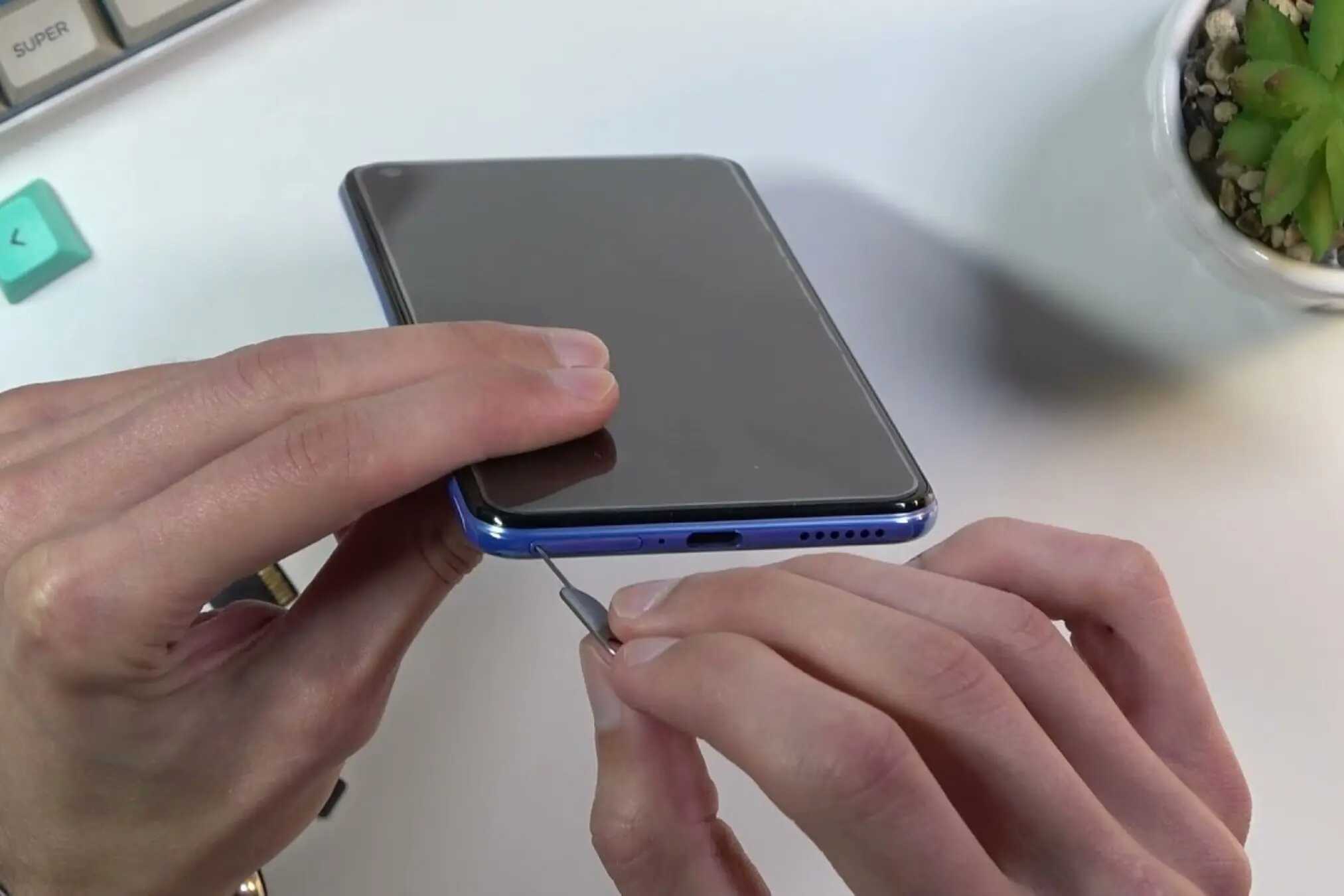
The Hidden Impact of Dust & Moisture on Your Mobile Phone’s Performance
Tiny particles and subtle moisture droplets can quietly disrupt how your smartphone functions. Many users experience random glitches, touch issues, fast battery drain, or poor audio quality without realizing that dust moisture phone issues are often the underlying cause. Understanding how these elements enter your device and affect its internal components can help prevent long-term damage.
Why Dust Moisture Phone Issues Often Go Unnoticed
Even though modern phones come with better sealing and IP ratings, they are not fully immune. Regular wear and tear, aging, and daily usage create micro-gaps where dust and moisture slip through. These issues typically start small and increase over time, making them easy to ignore until major problems occur.
How Dust Affects Internal Phone Components
Dust is more harmful than it appears. Once it sneaks inside, it can disrupt several parts of your device.
Reduced Airflow and Overheating
Dust traps heat by blocking essential cooling pathways. When your phone can’t release heat properly:
- The processor slows down to protect itself
- Apps lag or freeze
- The device gets unusually warm
- Battery drains faster than expected
Overheating is one of the first indicators of internal dust accumulation.
Charging Port Blockage
The charging port is extremely vulnerable to dust buildup. This can cause:
- Loose charging connection
- Slow charging
- Charging only at certain angles
- Complete charging failure
Many technicians find compact dust layers inside ports that prevent proper pin contact.
Muffled Speakers and Microphone Issues
Dust trapped in speaker or mic grills leads to:
- Distorted audio
- Low speaker volume
- Poor voice clarity during calls
These effects increase gradually, making early detection difficult.
How Moisture Silently Damages Your Phone
Moisture causes internal corrosion, which is far more serious than surface-level wetness.
Corrosion of Internal Components
Moisture corrodes metal parts, connectors, and chips. This often results in:
- Ghost touches
- Sudden reboots
- Display flickering
- Buttons not responding
Even small daily exposures, like using your phone with sweaty hands, create long-term corrosion.
Camera Fog and Blurry Photos
Moisture entering the camera module leads to:
- Foggy photos
- Blurry focus
- Malfunctioning autofocus
- Drops appearing under the lens
This is one of the most common dust moisture phone issues seen in repair centers.
Risk of Short Circuits
When moisture collects inside circuits, it may cause:
- Random shutdowns
- Non-responsive buttons
- Phone not powering on
Severe moisture damage usually requires expert repair.
Habits That Increase Dust and Moisture Exposure
Some daily routines unknowingly increase exposure.
- Keeping the phone in your pocket during workouts
- Using the phone while cooking
- Charging it in humid bathrooms
- Leaving the device on dusty surfaces
- Using the phone outdoors without a case
- Carrying it loosely inside bags or pockets
Understanding these habits helps reduce long-term harm.
Common Warning Signs of Dust or Moisture Damage
Your phone may not display obvious physical symptoms, but subtle hints exist.
Performance Issues
- Frequent heating
- Lagging apps
- Battery draining unusually fast
Charging Problems
- Cable not fitting properly
- Slow or unstable charging
- Need to adjust the cable angle
Audio & Display Issues
- Muffled speaker sound
- Low mic clarity
- Foggy or blurry camera output
- Small white spots under the screen
If you notice these symptoms consistently, dust or moisture is likely affecting internal components.
How to Prevent Dust & Moisture from Entering Your Phone
Small habits can significantly reduce the risks.
Simple Prevention Tips
- Use a quality protective case and screen guard
- Keep the phone away from bathrooms and kitchens
- Avoid using it during workouts or rain
- Gently clean the charging port using a soft brush or air blower
- Store your phone in clean, dry environments
- Add silica gel packets in drawers or pouches where you keep the device
These preventive steps help preserve your phone’s internal hardware.
When Professional Repair Becomes Necessary
If dust or moisture has already caused internal issues, seeking expert help becomes important. You should consider visiting a certified repair center when:
- There is visible moisture inside the camera
- Charging has become unstable even after cleaning
- Buttons or touch functions behave unpredictably
- The phone frequently overheats
- The device has been exposed to heavy humidity or accidental splashes
Professionals can open the device safely, clean internal parts, and stop further corrosion.
FAQs
- 1. Can dust really damage a smartphone?
- Yes. Dust affects cooling, audio output, and charging ports, gradually reducing performance.
- 2. What should I do immediately after moisture exposure?
- Turn off the phone, avoid charging it, and take it to a repair center for inspection.
- 3. Do waterproof phones still face moisture issues?
- Waterproof ratings reduce risk but do not eliminate it. Seals weaken over time, allowing moisture entry.
- 4. Why does my phone overheat when it’s dusty?
- Dust blocks internal airflow, trapping heat and forcing components to work harder.
- 5. Can dust and moisture damage be reversed?
- Minor issues can be fixed through professional cleaning. Severe corrosion may require part replacements.
Conclusion
Dust and moisture may be invisible, but their impact on mobile performance is very real. Gradual exposure affects charging, audio, heat management, and internal circuitry. By understanding early signs and improving daily habits, users can protect their phones from long-term harm. And when the damage goes beyond prevention, reliable experts like GoFix ensure your device receives the professional care needed to restore smooth, dependable performance.